Device Floorplan

Built for Home Assistant · Live Demo

Give it a try !!! Explore a simulated apartment. Mark rooms and place devices in the Editor, then open the dashboard to switch on a light, view the temperature heatmap or explore Zigbee links. Nothing is installed, and your demo changes stay in this browser.

Floorplan Editor

Try the Editor in the sample apartment. Mark rooms, auto-place demo devices and drag them into position.
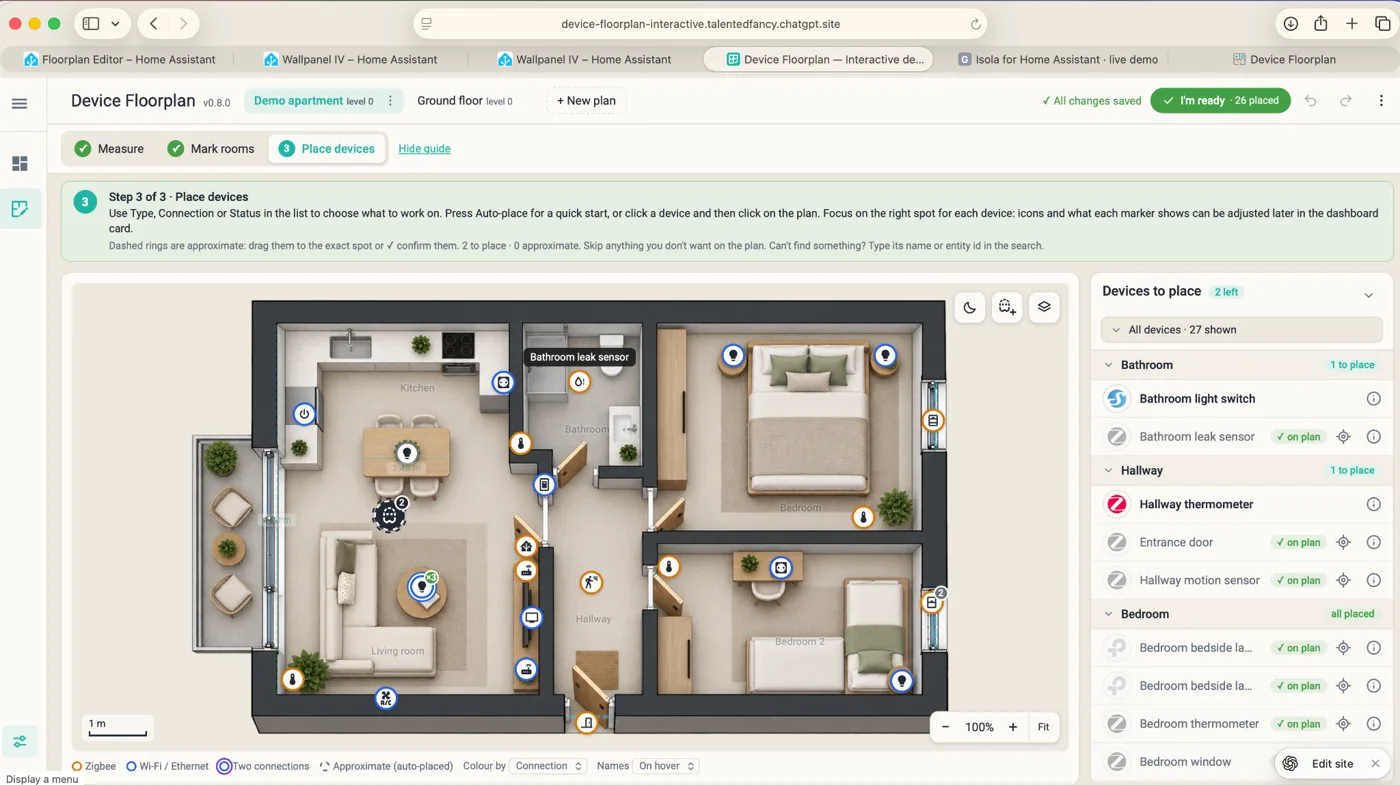

Floorplan Editor with devices placed on the demo apartment
Open Editor Demo →

Floorplan Card

See the demo apartment come alive after dark. Open the demo, switch on a light and watch it glow right where it belongs.
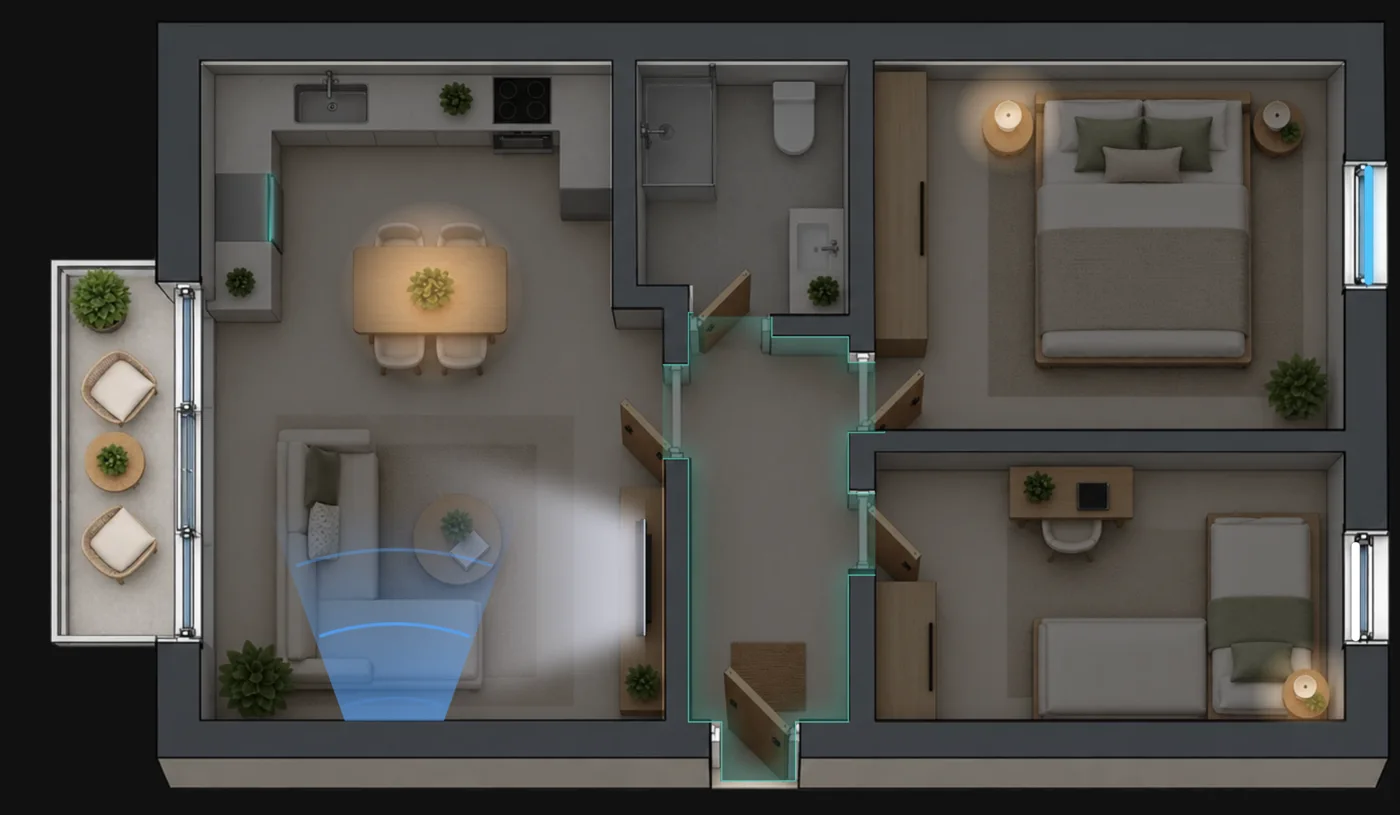
Live floorplan at night with glowing lights, AC airflow and a highlighted hallwayLive preview
Open Live Dashboard →

Overlays · See your devices in action

Select an icon to preview an overlay above. In Device Floorplan, choose a built-in overlay or create your own.

Live

See what’s on, what’s running and where it’s all happening in your home right now.

Lights

See which lights are on, control them from the floorplan and create scenes for TV time or relaxing without Home Assistant scripting.

Comfort

Check room temperature and humidity, explore the heatmap and control your climate devices to keep your home in the comfort zone.

Security

See motion, cameras, door and window sensors, and your Home Assistant alarm in one floorplan view.

Network

See how your network performs. Check Zigbee connections and link quality with ZHA, and locate Wi-Fi and Bluetooth devices.

Health

Spot offline devices, low batteries and other warnings right where those devices are on the plan.

Multiple floorplans

Have more than one floor? Switch between floorplans and views from the same dashboard card.